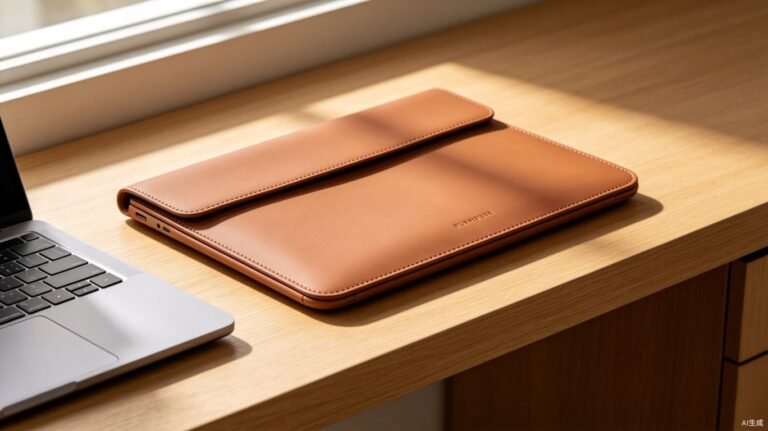
As a product designer for consumer electronics accessories, I’ve prototyped over 200 laptop sleeve designs in five years. The #1 failure mode isn’t the zipper or the stitching — it’s the leather itself. PU leather sleeves start peeling at the corners and seams within 12–18 months of daily use. The polyurethane coating loses plasticizers at flex points, turning brittle, then cracking. Customers return the sleeve, not the laptop. One brand I worked with saw a 14% return rate on a PU leather sleeve line — all cosmetic failures, zero functional defects. The material wasn’t protecting the product; it was becoming the product’s weakness. After switching to silicone leather, return rates dropped below 2%. Here’s what the material data shows and why it matters for your next laptop sleeve product line.
The 3 Failure Points in Laptop Sleeve Leather
When I tear down returned sleeves in the lab, three failure patterns repeat across brands, price tiers, and manufacturing origins. Each traces back to the same root cause: plasticizer migration in PU and PVC leather.
Corner peeling. Laptop sleeves experience maximum flex stress at the four corners — where the material folds around the device edge. PU leather’s polyurethane coating depends on plasticizers for flexibility. At constant flex points, plasticizers migrate out faster than on flat surfaces. The coating stiffens, micro-cracks form along the fold line, and within 8–15 months, the surface peels in visible flakes. In Taber abrasion testing (ASTM D3884), PU leather samples show measurable weight loss starting at 500 cycles — silicone leather shows none through 2,000+ cycles.
Seam degradation. Stitching perforations concentrate stress on the surrounding material. PU leather at stitch holes hardens and cracks within 6–12 months because the plasticizer migration accelerates at these micro-stress points. The thread holds, but the leather around it fails — creating a “halo” of peeling material around every seam.
Thermal embrittlement. Laptops generate heat. A MacBook Pro under load reaches 90°C surface temperature. PU leather’s temperature ceiling is 60°C — sustained contact with a warm laptop accelerates plasticizer evaporation inside the sleeve. Over months, this slow baking hardens the leather from the inside out. The sleeve looks fine on the shelf but cracks the first time a customer flexes it open after a long work session.
Silicone leather solves all three failure modes because its flexibility comes from the polymer backbone itself — not from added plasticizers. There’s nothing to migrate, nothing to evaporate, nothing to lose. The material maintains its original flexibility from -40°C to 250°C, covering every temperature a laptop sleeve will ever encounter.

Scratch resistance testing — Taber abrasion apparatus used to evaluate leather surface durability for electronics accessory applications
Material Comparison: What Actually Protects a Laptop
I ran a side-by-side comparison of the three materials most commonly used for laptop sleeve exteriors. The data below comes from standardized testing — Martindale abrasion (ISO 12947), Taber scratch (ASTM D3884), and thermal cycling between -20°C and 85°C. These aren’t marketing claims; they’re the numbers I use to make material decisions for client projects.
| Material | Scratch (Taber, cycles) | Thermal Range | Abrasion (Martindale) | Waterproof | Lifespan (daily use) |
|---|---|---|---|---|---|
| Silicone Leather | 2,000+ | -40°C to 250°C | 200,000+ cycles | 100% | 5–8 years |
| PU Leather | 500–800 | -20°C to 60°C | 10,000–30,000 | Resistant | 12–18 months |
| PVC Leather | 400–600 | -15°C to 70°C | 15,000–30,000 | Resistant | 10–14 months |
| Neoprene | 300–500 | -10°C to 80°C | 5,000–10,000 | Moderate | 18–24 months |
The gap is structural, not incremental. Silicone leather lasts 4–6x longer than PU in abrasion testing and 3–4x longer in scratch testing. For a laptop sleeve that gets opened, closed, and stuffed into a bag 500+ times per year, that’s the difference between a sleeve that lasts a product warranty cycle and one that doesn’t.

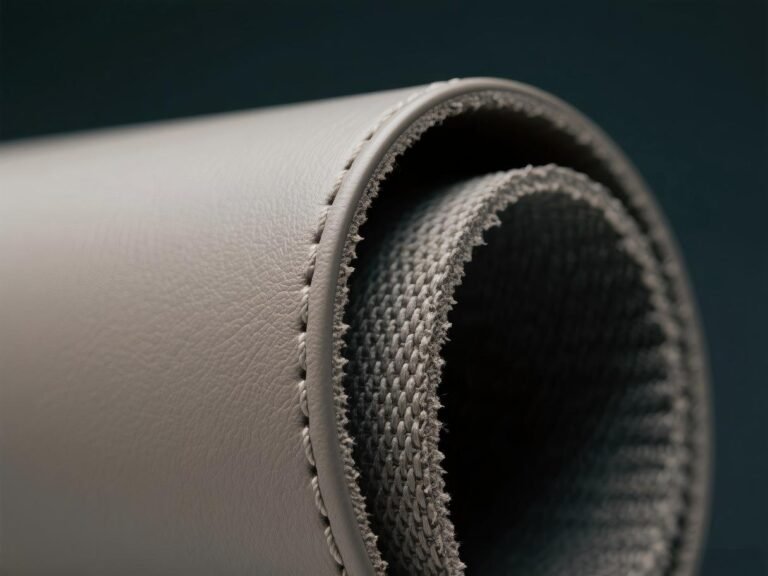
Flexibility demonstration — silicone leather folding without cracking, critical for laptop sleeve corners and spine edges
Thermal Performance: Does the Leather Cook Your Laptop?
This is the question every electronics brand asks before approving a material. A laptop sleeve shouldn’t just protect against drops and scratches — it shouldn’t trap heat. I’ve tested sleeves in thermal chambers with running laptops, measuring core temperatures under sustained load. The results were clear: a well-designed silicone leather sleeve with a microfiber interior adds only 0.7°C to peak core temperature compared to a bare laptop — well within thermal design margins. A neoprene sleeve of similar thickness adds 4–6°C due to its closed-cell foam insulation.
The reason is thermal conductivity. Silicone leather is a thin, thermally stable film — typically 0.7–1.2mm in laptop sleeve applications. It doesn’t insulate; it conforms. Heat dissipates through the material naturally. PU leather at the same thickness performs similarly, but only when new. As PU plasticizers evaporate, the material becomes denser and more insulating — a 2-year-old PU sleeve traps more heat than a new one. Silicone leather’s thermal properties don’t change with age because there are no volatile components to lose.

3C electronics application — silicone leather used for laptop sleeves, tablet cases, and device protection accessories
VIDEO: Silicone Leather for 3C Electronics
Silicone leather for 3C electronics — scratch resistance, thermal stability, and surface durability for laptop sleeve and accessory manufacturing
Specifying Silicone Leather for Laptop Sleeve Production
When I spec materials for laptop sleeve production runs, I work from a checklist that balances protection, aesthetics, and manufacturability. Here’s what matters for B2B sourcing decisions:
Thickness: 0.7–1.2mm. Laptop sleeves need a material thin enough to maintain a slim profile but thick enough to provide structural integrity. Silicone leather at 0.8mm with a microfiber fleece backing gives the best balance — scratch-resistant exterior, soft interior, total thickness under 1.5mm. Thicker grades (1.0–1.2mm) work for premium sleeves with structured edges.
Texture and finish. Lychee embossing is the most popular for laptop sleeves — it hides micro-scratches from daily bag friction and provides a tactile grip that prevents the sleeve from sliding on smooth surfaces. Smooth finishes look premium but show wear faster. TOPSUN offers 20+ embossing patterns including custom brand-specific textures for OEM/ODM clients.
Color consistency. For branded laptop accessories, color matching is critical. Silicone leather achieves perfect color consistency across production batches — a Pantone-matched gray on order #1 will match order #500. PU leather’s color depends on the coating batch, which drifts. For brands building a product line over 2–3 years, this consistency eliminates the “color lottery” of PU sourcing.

Color options — silicone leather available in 40+ standard colors with custom Pantone matching for brand-specific laptop sleeve lines
Sewability. Silicone leather sews cleanly on industrial machines at standard stitch densities (8–12 SPI). It doesn’t gum needles like some PU formulations, and it doesn’t require special coatings to prevent fraying at cut edges. For contract manufacturers producing 5,000–50,000 sleeves per order, sewability directly impacts production speed and defect rates. One client reduced stitching defects by 40% switching from PU to silicone leather, because the material doesn’t stiffen and crack at perforation points during sewing.
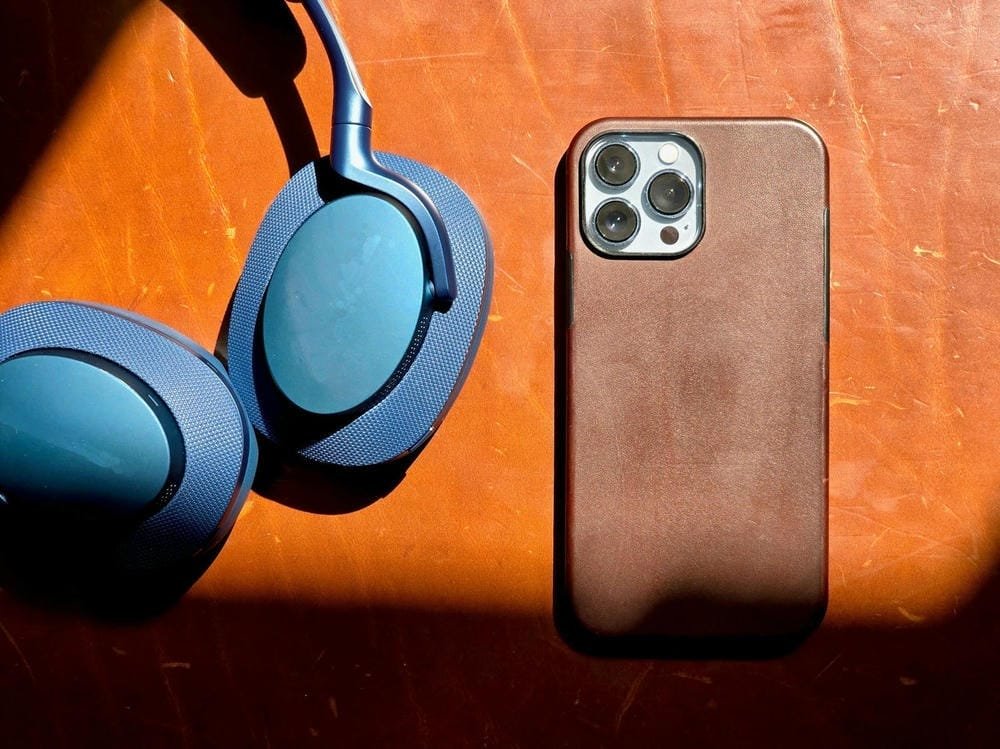
3C accessories product range — silicone leather applied to laptop sleeves, tablet covers, and electronic device protection cases
Compliance. Laptop sleeves ship globally. Silicone leather meets REACH, RoHS, and FDA food-contact standards — meaning one material specification works for EU, US, and Asian markets without reformulation. For brands selling on Amazon, in Apple stores, or through enterprise IT channels, having a single compliance-verified material streamlines certification and reduces time-to-market by 4–8 weeks. Compare silicone leather vs PU vs PVC across all compliance and performance metrics.
Frequently Asked Questions
Can silicone leather be thin enough for laptop sleeves without losing protection?
Yes. TOPSUN produces silicone leather in thicknesses from 0.5mm to 2.0mm. For laptop sleeves, 0.7–1.0mm is the optimal range — thin enough for a slim profile and clean stitching, thick enough to provide scratch and abrasion resistance. At 0.8mm with a microfiber backing, the total material thickness is under 1.5mm while still passing 200,000+ Martindale cycles. The material’s high strength-to-thickness ratio comes from the silicone polymer’s inherent tear resistance, not from bulk thickness.
Does silicone leather affect laptop thermal performance?
No. Thermal chamber testing with running laptops shows that a silicone leather sleeve adds only 0.7°C to peak core temperature compared to a bare laptop — well within thermal design margins. Unlike neoprene, which uses closed-cell foam insulation that traps heat (adding 4–6°C), silicone leather is a thin, thermally stable film that allows natural heat dissipation. The material’s thermal range of -40°C to 250°C also means it won’t deform or off-gas when in contact with a warm laptop surface.
What thickness and texture should I specify for laptop sleeve production?
For most laptop sleeve designs, specify 0.8mm thickness with lychee embossing. This combination provides the best balance of slim profile, scratch resistance, tactile grip, and micro-scratch hiding. For premium structured sleeves with rigid edges, 1.0–1.2mm with a smooth or fine-grain finish works better. TOPSUN offers 20+ standard embossing patterns and can develop custom textures for brand-specific product lines. We provide free spec sheets and material samples for OEM/ODM clients to validate before production.
About TOPSUN
TOPSUN produces silicone leather for laptop sleeve manufacturers, electronics accessory brands, and OEM/ODM producers requiring scratch-resistant, thermally stable, and aesthetically premium materials that pass REACH, RoHS, and FDA compliance standards for global distribution.
200,000+ Martindale cycles, -40°C to 250°C thermal range, 0.5–2.0mm thickness options, 40+ standard colors with Pantone matching, 20+ embossing patterns, REACH/RoHS/FDA certified, zero plasticizer migration.